Give customers their documents on your own branded site.
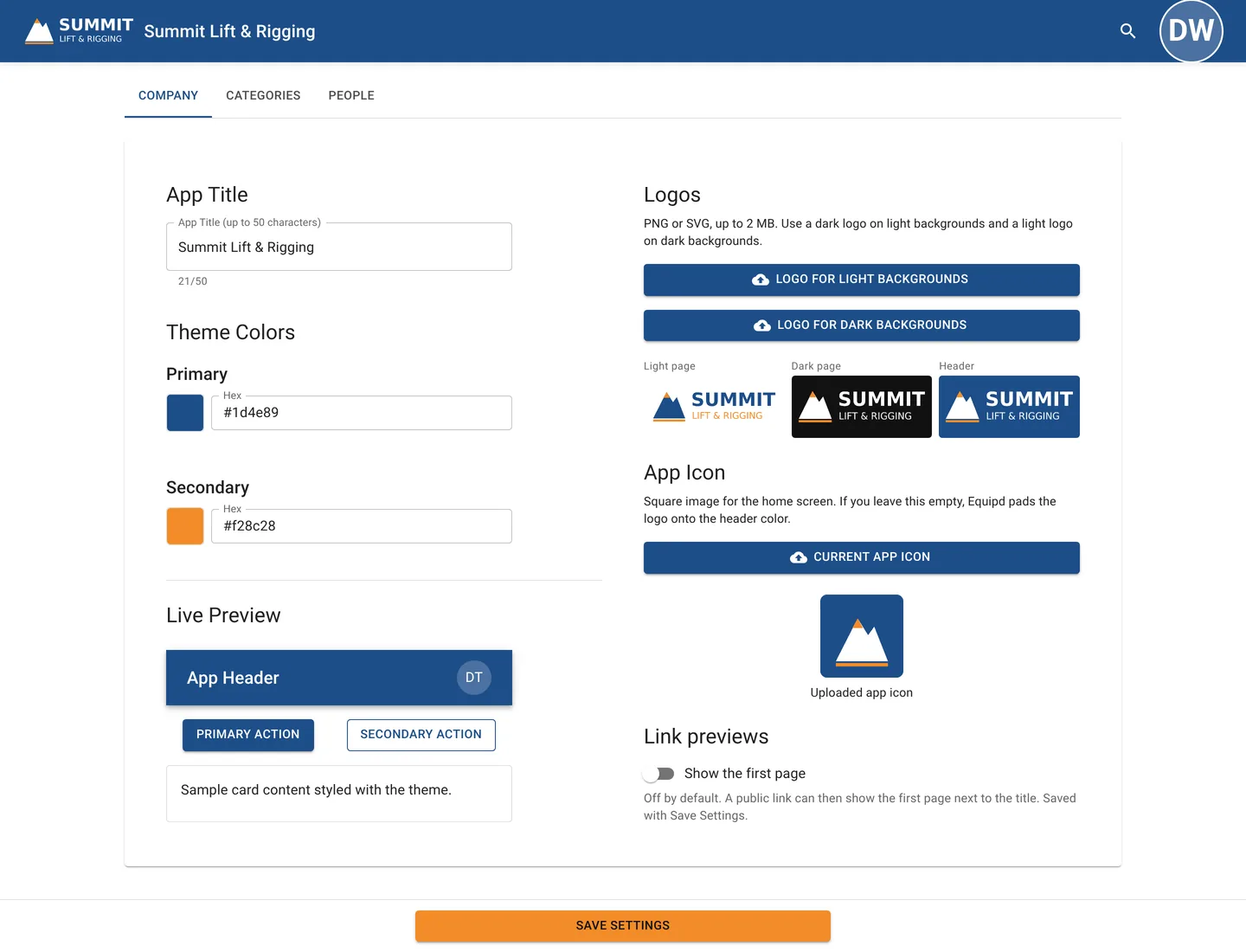
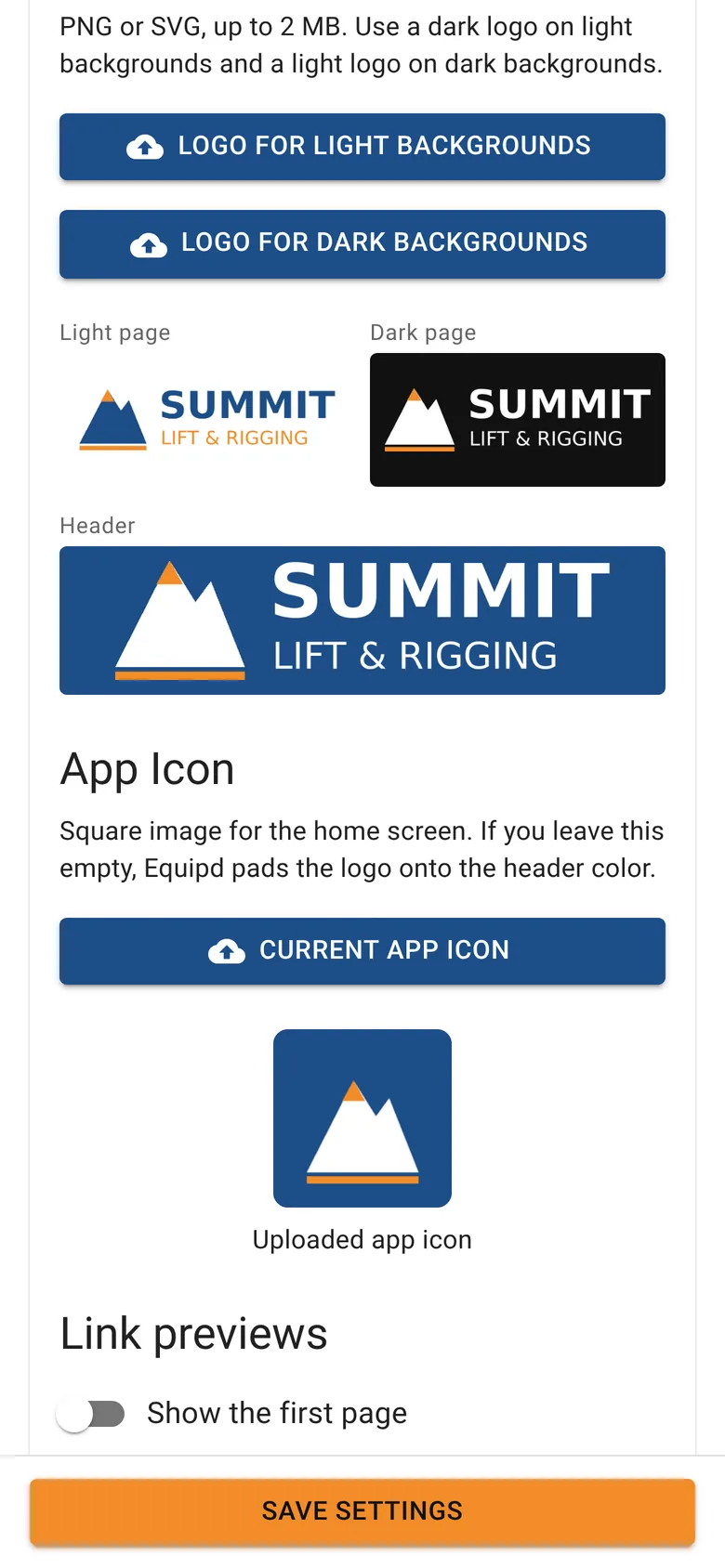
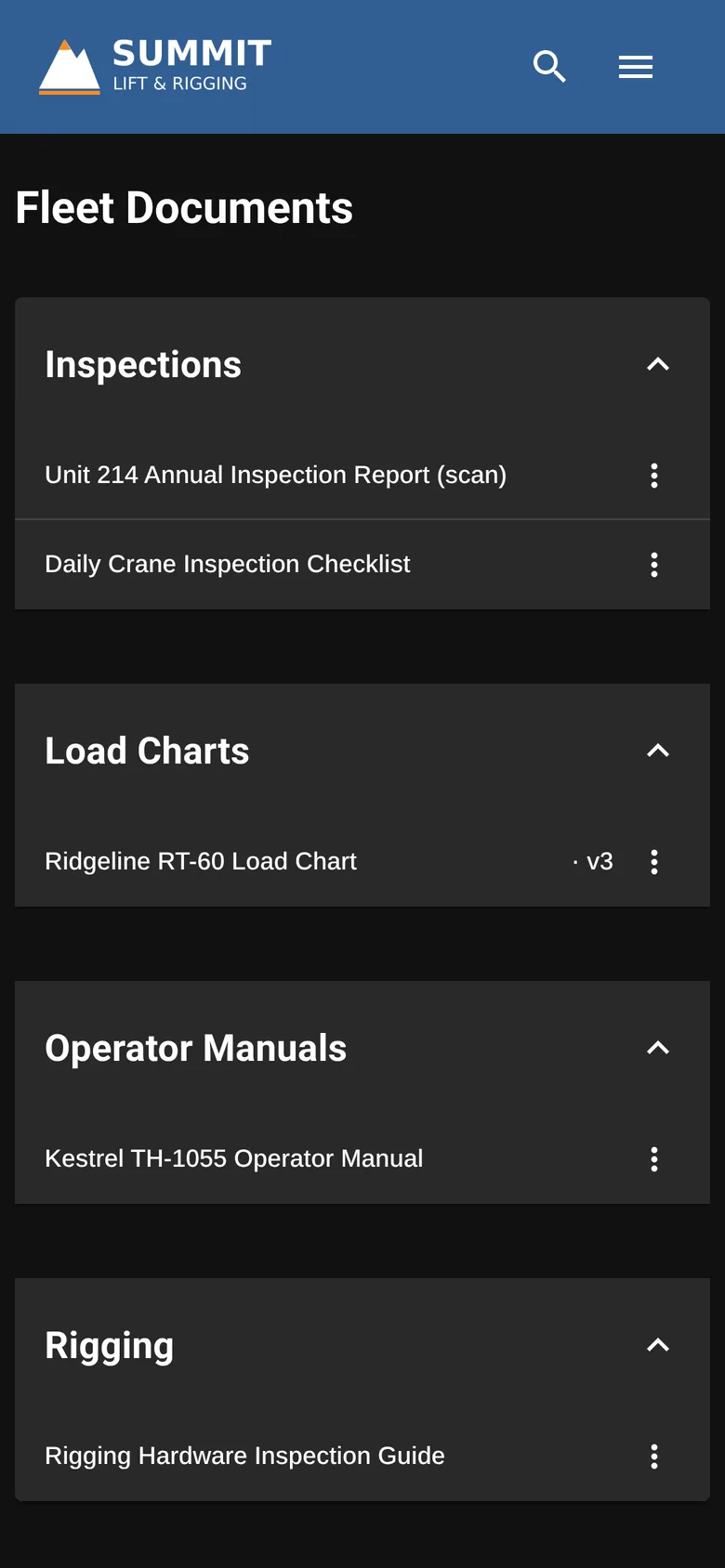
You add your logo and colors yourself at yourcompany.equipd.us. Invite customers, and they see the files you mark for them, never your internal ones.
- Your logo, colors, and app icon
- Invite by email
- No per-user fees
The paperwork customers ask for.
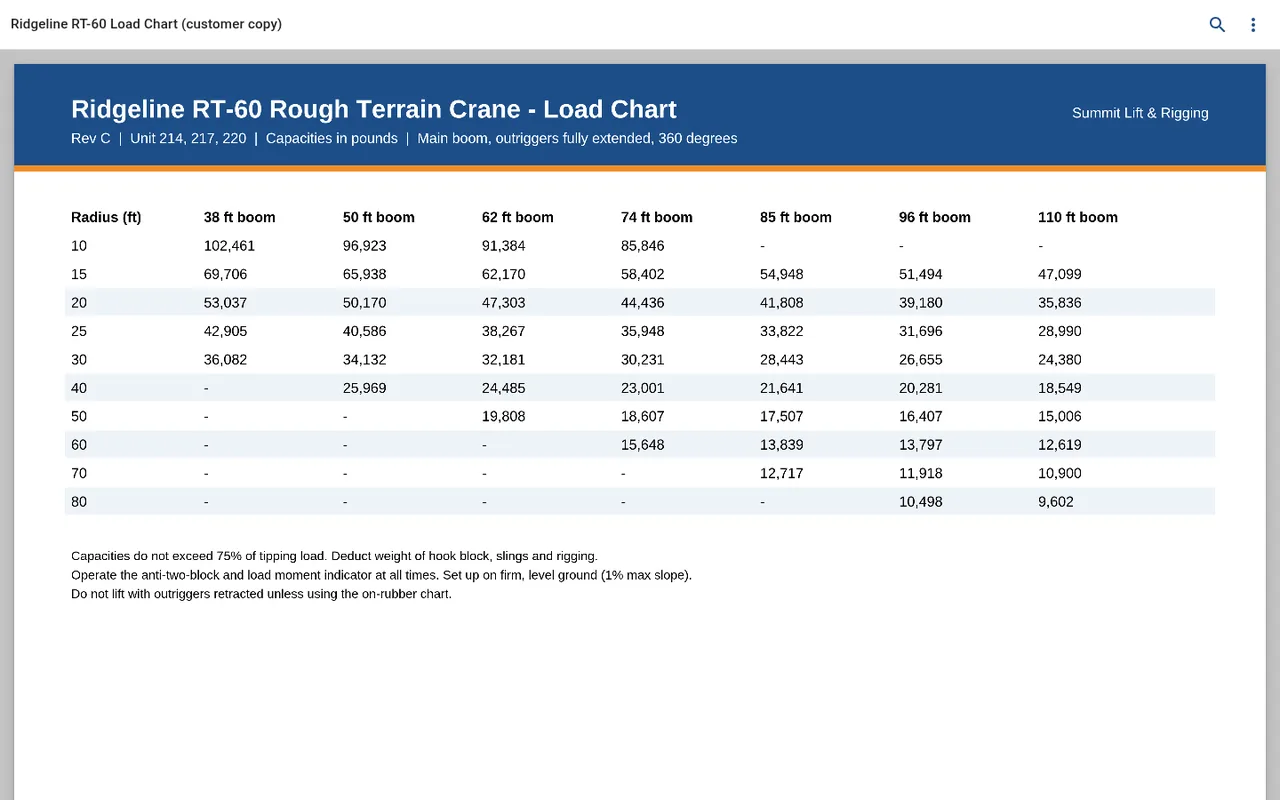
Stop emailing the same PDF twice. Put the current version in your portal and send customers there.
Operator manuals
For the equipment they rent from you.
Delivery and setup sheets
What goes out with each rental.
Inspection records
The reports you choose to share with a customer.
Spec sheets
Published for anyone, or for customers only.
Customers see only what you share.
Every file has an audience: Internal, External (customer-facing), or Public. Set it per file, and people only see the folders that hold files they can open.
Staff only
Your team sees these. Customers never see an internal file.
- Shop procedures
- Pricing notes
- Service records
Your customers
Signed-in customers see files marked External.
- Operator manuals
- Delivery and setup sheets
- Customer inspection reports
Anyone with the link
Open to anyone with the link, no sign-in.
- Spec sheets
- Public safety data sheets
Starter includes only the default workspace. On Pro and Compliance, add workspaces by workflow or role, each with its own default audience. Admins can turn off download per file on Pro and Compliance.
Under your name, on every screen.
Customers sign in at yourcompany.equipd.us and can install your library like an app on their desktop or phone, with your name and icon.
- ✓Your logo and colorsOn the sign-in page, the library, and the home screen. Light and dark logos are included on Starter, Pro, and Compliance.
- ✓InvitesInvite customers and staff by email, and resend or revoke an invite any time.
- ✓Sister companiesOn Pro and Compliance, group a parent company and its sister brands, and share files across them. Customers stay separate.
- ✓Desktop and phoneUse Equipd in the browser, or if you like, you can install it from Chrome or Edge on Mac, Windows, and Linux, or add it to the home screen on iPhone (Safari) and Android. No app store needed.
- Mac
- Windows
- Linux
- iPhone
- Android
See who opened what.
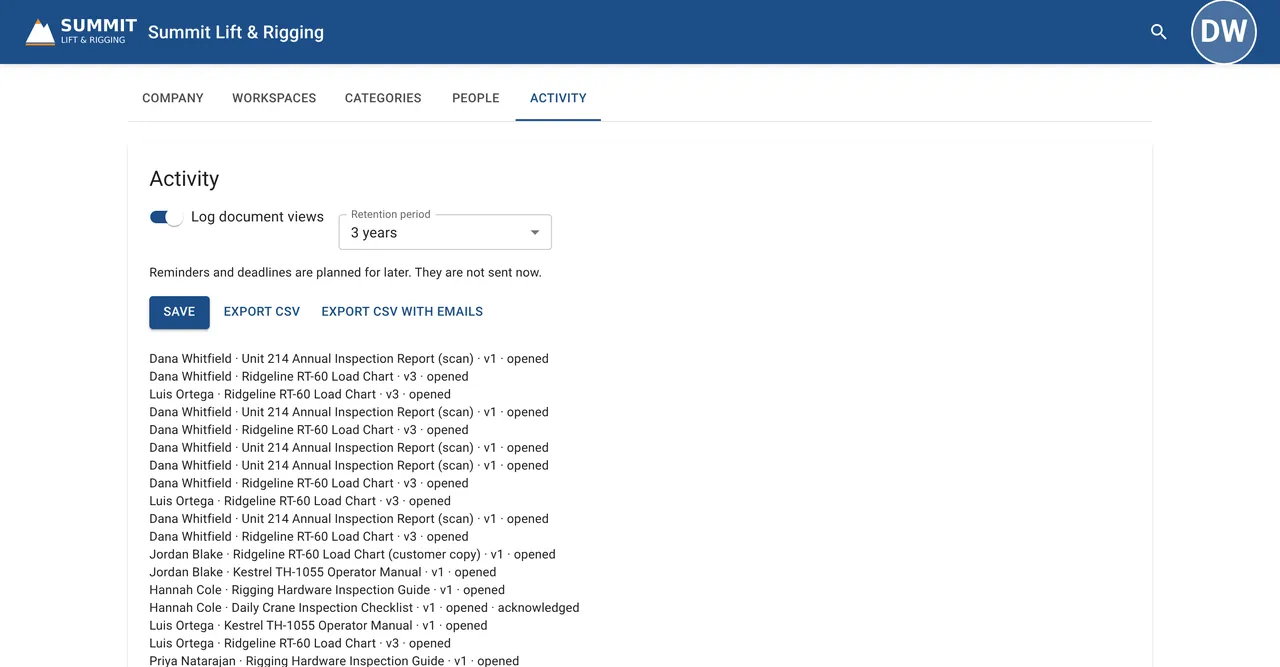
On the Compliance plan, every file keeps its version history, the view log shows who opened and acknowledged it, and admins export the log to CSV.
- ✓View logsSee who opened each file and when.
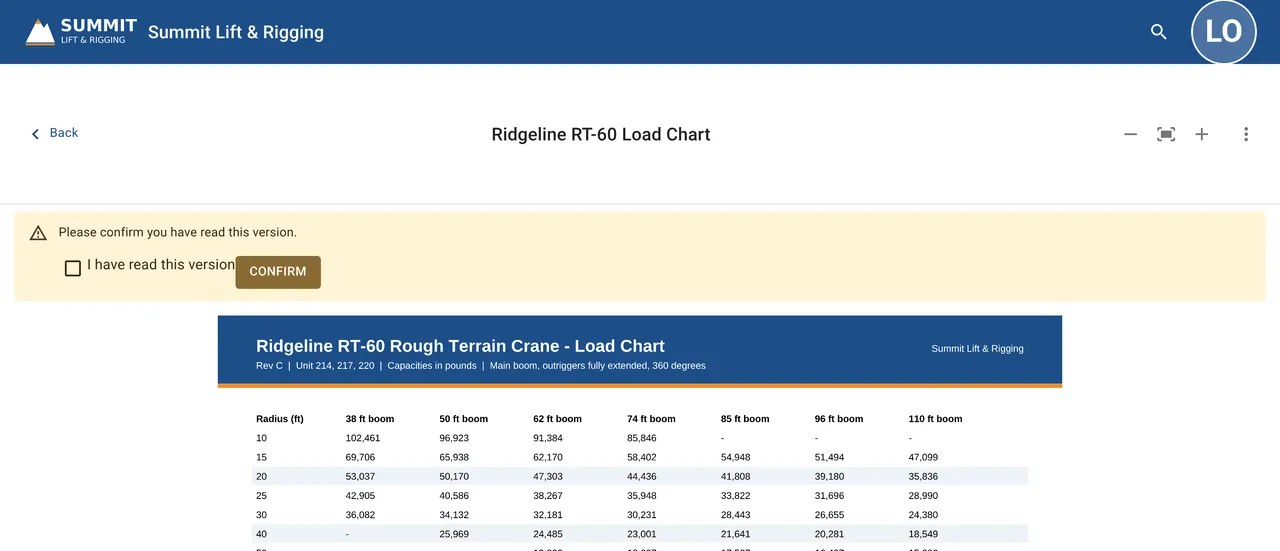
- ✓AcknowledgementsRequire acknowledgement on the files that matter to your team.
- ✓Download lockOn Pro and Compliance, admins can turn off download per file, so customers can view a document without taking a copy.
Your portal, one flat price.
No per-user fees on any plan, a 14-day free trial of Pro, and payment by ACH or invoice.